VenusMCP, and which of its tools to call
VenusMCP gives Claude, ChatGPT, Cursor or any MCP client search, live facts, images, music, research reports and design mockups from one address. A guide to every tool and when to use it.
- Published
- 3 min
- To read
- Venus
- Project
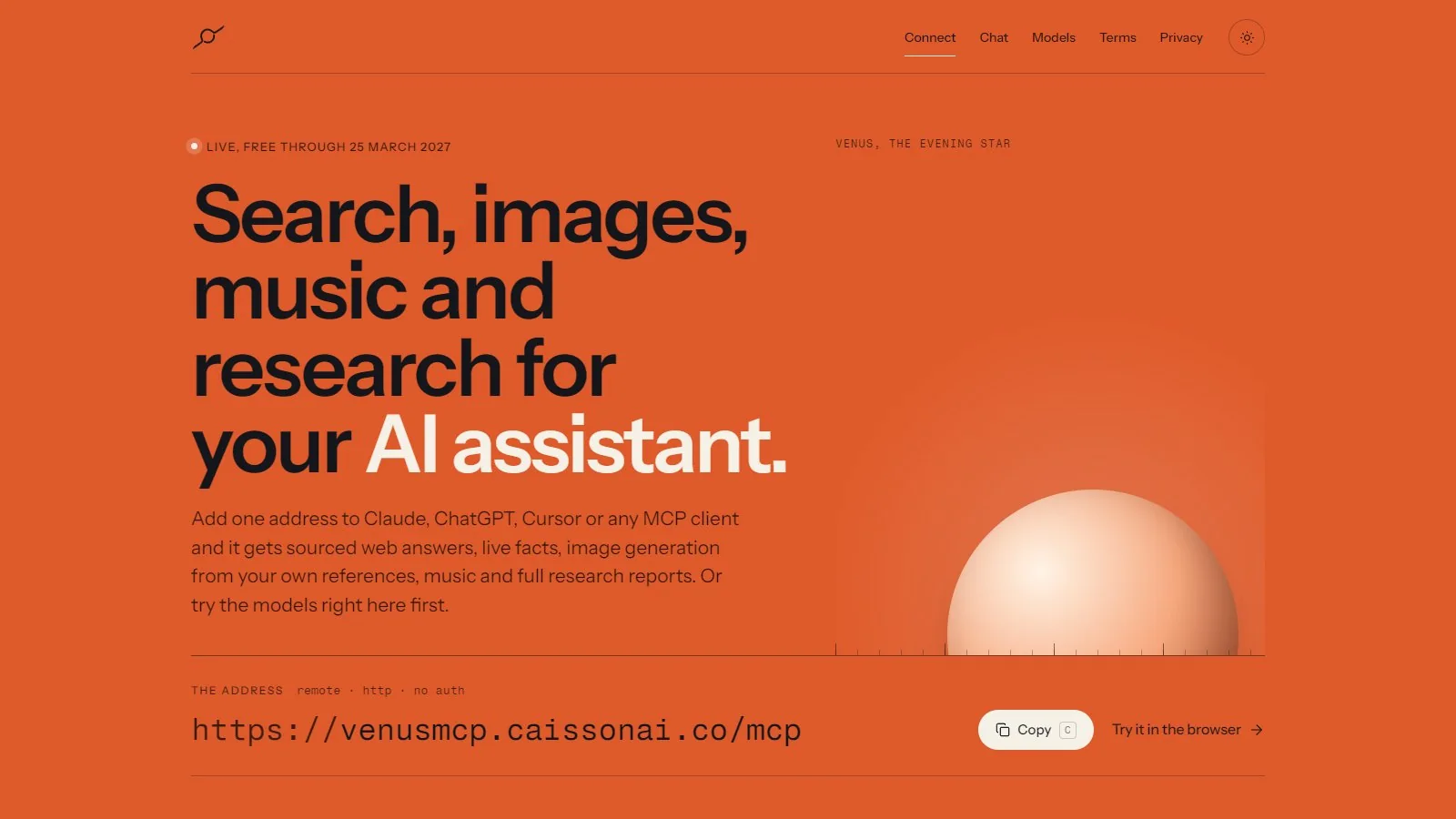
VenusMCP is a hosted MCP server. Add one address to Claude, ChatGPT, Cursor or any other client that speaks the Model Context Protocol, and the assistant gets sourced web answers, live facts, image generation, music and full research reports as tools it can call. It is free through 25 March 2027.
The address is:
https://venusmcp.caissonai.co/mcp
It is a remote HTTP server with no sign-in. The website at the same domain has a setup guide for each client, a page that lists the models, and a chat where you can try them before connecting anything.
Which tool answers what
The server publishes its own routing guide to every client that connects, so a well behaved assistant picks the right tool without being told. Here it is in plain terms.
| You want | Tool | What it does |
|---|---|---|
| A current fact | Based | A short lookup that must be current and correct: a version, a price, a score, a date, the weather. The fastest route to a fact. |
| Reasoning with sources | Venus Search | Explanation, comparison, code or a draft written on top of fresh web results. |
| A research report | Scourer 1 | A multi-source written report on one well defined question. |
| Today's news | Digest 1 | Give a location and a list of topics and get a verified, numbered digest of the last day or two. |
| A fast image | Reality 1 Lightning | An image in a few seconds, for simple and well known subjects. |
| An image | Reality 1 | One generated image, for quick or loose requests. |
| An image that must be right | Reality 1 Pro | A thinking model expands the idea into a complete prompt that leaves the image model nothing to guess, then renders it. |
| A dramatic scene with text | Super 2 | Detailed scenes with strong light and readable lettering. Takes up to a minute. |
| A short track | Tempo 1 | One short generated track as an mp3. |
| An interface mockup | Design 1 | A high fidelity mockup plus design notes to build it from: palette, type scale, spacing and radii. |
| A multi-step plan | Trail 1 | A saved checklist for work that spans several steps or sessions, revised in the same planning chat when the plan meets reality. |
Limits worth knowing
Most tools have no limit you will notice. Three do, because the work behind them is expensive. Tempo 1 makes one track per IP address every five hours. Super 2 allows three images per hour per IP address. Scourer 1 has a small daily quota, so it is meant for a real report rather than a quick question. When a limit is reached the tool says so and gives the reset time instead of failing quietly, and a client should not retry it.
Writing prompts for it
Venus adds its own persona and writing style to every request, so prompts work best as plain requests. Leave out role play and formatting rules. For Venus Search, write the full question the way you would ask a capable colleague, with the context that changes the answer: versions, operating system, location, dates. Ask one question per call, and say what shape of answer you want, such as a table, working code or one line.
The other Venus
The name also covers the Venus CLI, a terminal-first coding platform written in C#. A prompt there is worked by a council of models: an initial model and a sister model run in parallel, their strengths are merged, then editor, verifier and adversarial models critique the result until it fulfils the prompt or hits the iteration limit. Any seat on the council can be filled by a model from seven providers, and a built-in simulation provider runs the whole workflow offline with no keys.
Open VenusMCP to connect a client, or read the Venus project page.
Written by Caisson AI. Questions or corrections go to hello@caissonai.co.