Taking a WebGL scroll story from 53.7 to 105 fps on an integrated GPU
The Cohentra site is a lattice of cubes in raw WebGL2 that reshapes as the page scrolls. It averaged 53.7 fps with dips to 12. What was slow, how it was measured, and what fixed it.
- Published
- 3 min
- To read
- Studio
- Project
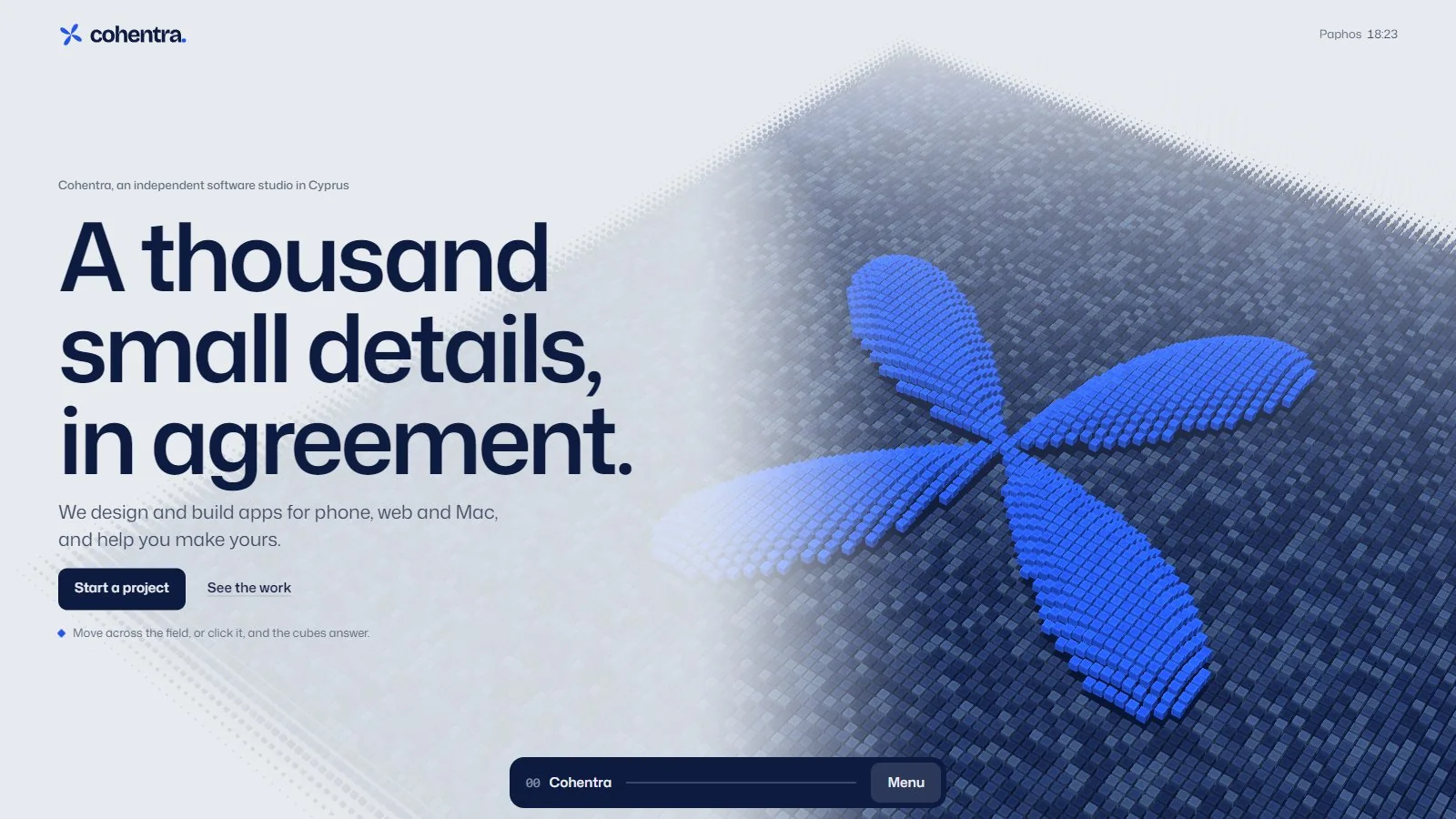
Cohentra is an independent software studio in Cyprus, and Caisson Studio designed and built its site. The page is a scroll story: a lattice of cubes, written in raw WebGL2 with no 3D library, that becomes a new form for each product as the reader moves down. It looked right on the first build. It also ran at an average of 53.7 frames per second through the story, with dips to 12, on the integrated GPU it was tested on. A scroll story that stutters reads as broken, so the next round was spent on speed.
Measure before changing anything
The first step was a tool that could say where a frame went. It drives headless Chrome on the real GPU rather than a software renderer, scrolls the page with a scripted scenario, and reports frame gaps in quarter-second buckets, the worst gap, and main-thread and GPU-process time from a performance trace. Each bucket is labelled with the chapter of the story on screen, so a slow patch points at a form, not just a moment.
Two lessons about the measuring itself came early. Software WebGL is no use as a stand-in for a weak GPU: it pinned every build at the same 150 ms frame and could not tell a good change from a bad one. And two profiling runs at once share the GPU and both read slow, so runs go one at a time.
What was slow
Layout on every frame
The render loop read innerWidth, scrollY and element bounds after it had already written to the DOM in the same frame. Each read after a write forces the browser to recalculate style and layout on the spot. Viewport size and scroll position are now read once at the start of each frame, and layout measurements are cached until the window resizes.
Colour tokens restyling the page
The tone of the page changed between chapters through CSS custom properties registered with @property and transitioned on the root element. That looks elegant in a stylesheet, and it restyles the entire document on every frame of the transition. Tone changes now go through a tween of the canvas background plus a few local transitions.
Morphing cubes that do not move
Between two forms, every cube was flying to a new position, including the ones whose place in both forms was the same. Now only cubes that change actually take flight.
Multisampling on a small GPU
Antialiasing by multisampling costs a resolve pass, and on this hardware the resolve was a large share of the frame. The renderer gained a quality ladder: when frames run slow for a sustained stretch it steps down the sample count, then the pixel ratio, and so on, judged over half-second windows so one slow frame does not trigger it.
The result
After this round the full story scroll ran at 105 fps on a desktop window of 1536 by 742 at 1.25x scaling, and 110 fps at a phone size of 390 by 844 at 3x, with the quality ladder taking no steps at all. Later rounds measured the GPU directly with timer queries, which showed the multisample resolve alone taking 1.5 to 3.0 ms at 1.25x, which made the case for leaving antialiasing off by default.
Touch is not a click
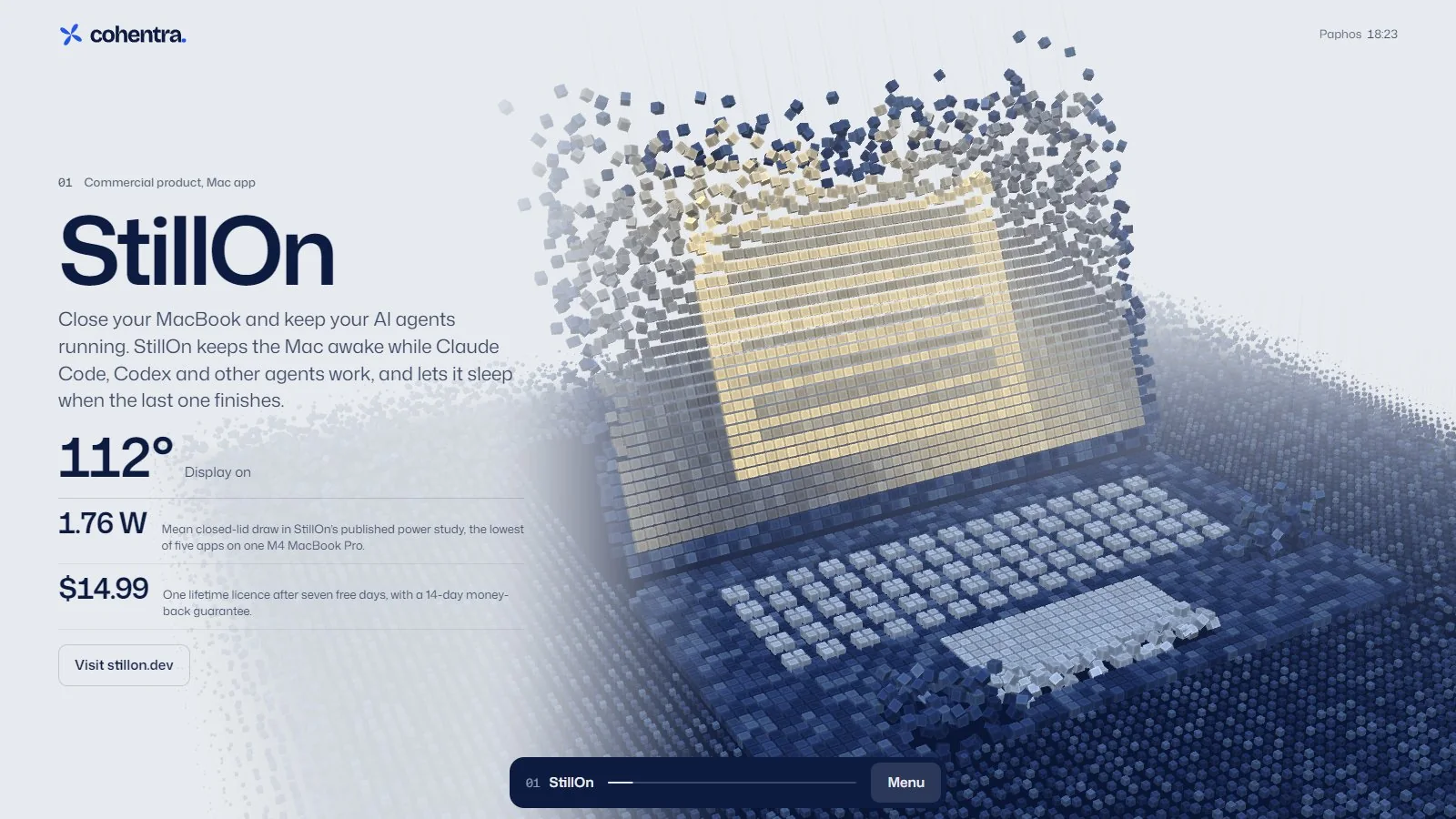
The cubes answer a click: one hops over its neighbours and rolls home. On a phone, a finger that starts a scroll also starts a touch, so without care a scroll can be read as a tap. A tap now only counts if no scroll event fired in the last 400 ms, the finger moved less than 8 px and stayed down under 300 ms, the page did not scroll, and only one finger touched the screen. All of that was checked with a scripted touch test across eight cases.
What a Caisson Studio site gets
The same measurement runs on every site Caisson Studio builds, including caissonai.co itself, which moves 30,000 parts between shapes at about 8 ms a frame on the development machine. A first preview of a new site is ready in under a week from when Caisson hears from the client.
Open the Cohentra site to see the result, or read about Caisson Studio. To start a project, email hello@caissonai.co.
Written by Caisson AI. Questions or corrections go to hello@caissonai.co.