Tantalum, a photo studio for Windows with a camera, an upscaler and four layouts
Tantalum is a desktop photo studio built on .NET 9 with Avalonia. Live camera preview, photo analysis, upscaling, EXIF summary cards, slideshow export, Google sign-in and self-updating. What each part does.
- Published
- 2 min
- To read
- Tantalum
- Project
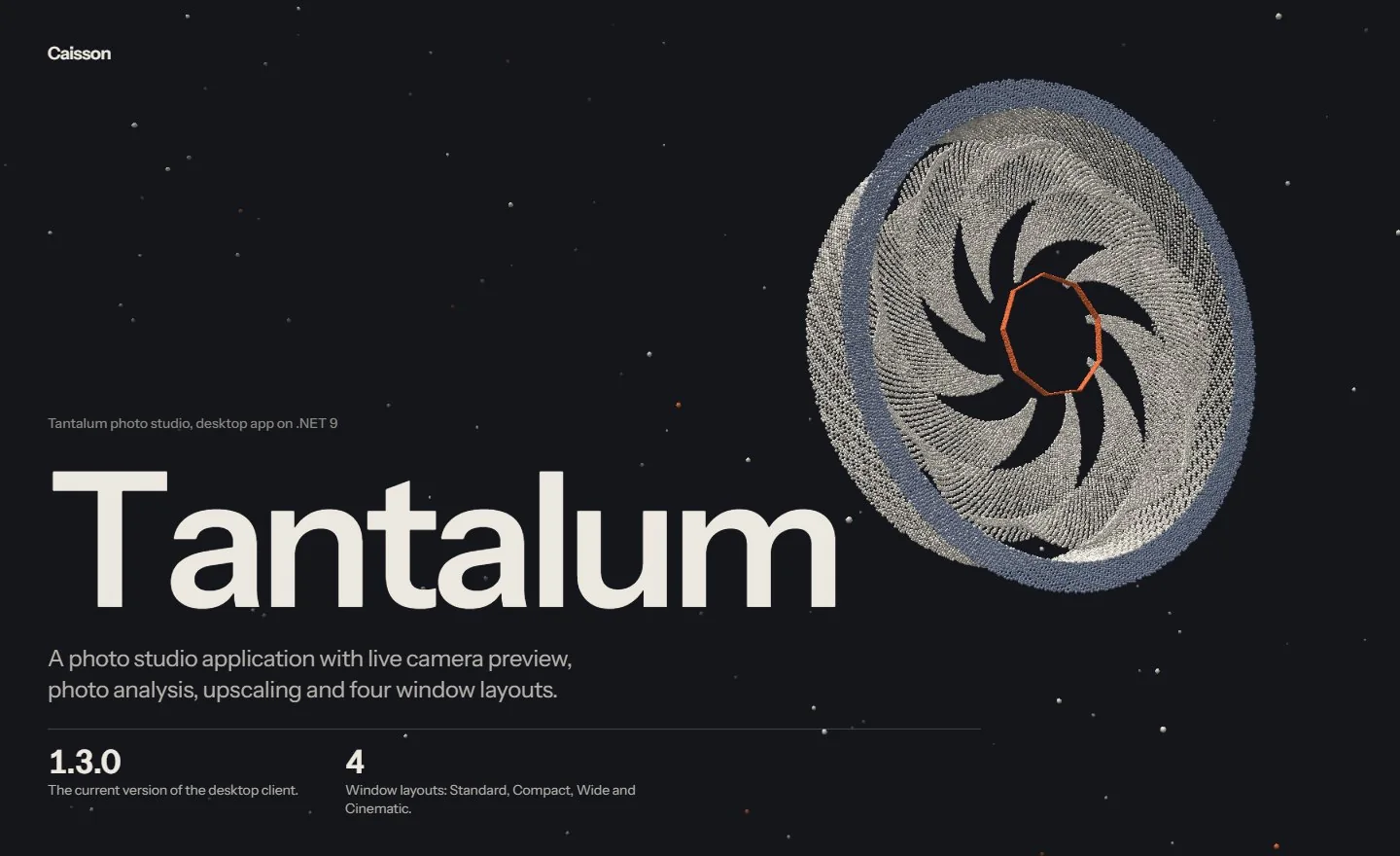
Tantalum is a photo studio for Windows. It is a desktop application, at version 1.3.0 as this is written, with a live camera preview, photo analysis, upscaling, editing tools and four window layouts. This post lists what is in it and how it is built.
What is in the window
The application is organised as views, and each view is a tool:
- Camera
- A live preview that captures high-quality frames straight from a camera.
- Gallery
- Where photos are collected.
- Adjustment and touch-up
- Controls for correcting an image.
- Upscaler
- Drop an image onto the window, choose a scale factor and get a larger version back.
- Photo summary
- A full-size photo with its EXIF settings laid over the bottom in a glass panel.
- Slideshow
- Turns a set of photos into a video or a carousel for social media. It has its own post.
Analysis reads a photo and describes it in words.
The window comes in four layouts: Standard, Compact, Wide and Cinematic. The interface is dark and has custom controls.
How it is built
The desktop client is an Avalonia application on .NET 9, so it is written in C# and XAML and draws its own controls instead of relying on the operating system's. Images are handled with SkiaSharp. A separate backend written in Node serves accounts and downloads.
A few details of how it behaves as a Windows application:
- Sign in with Google
- Sign-in goes through the browser, and the application receives the result back from it.
- One instance at a time
- Only one copy of the application runs at once.
- A
tantalum://link scheme - It is registered for the current user only, so links can open the application.
- Credentials kept with the Windows account
- The stored sign-in is encrypted with the Windows data protection API under the current user, so another account on the same computer cannot read it.
- It updates itself
- The updater checks a hash before it replaces anything.
What it is for
Tantalum is for capturing, checking and preparing photographs in one place: take frames from a camera, look at the settings that produced them, make a larger copy, and turn a handful into something to post. It is not a replacement for a full raw developer, and it does not try to be one.
The Tantalum page has the current download.
Written by Caisson AI. Questions or corrections go to hello@caissonai.co.